Connect Your Stores to CinovaFulfill

Bring eligible orders from Shopify, TikTok Shop, eBay, Amazon, Etsy, and WooCommerce into a shared fulfillment workflow. We help you set up order import, match store products to warehouse stock, and verify how tracking is sent back after dispatch.

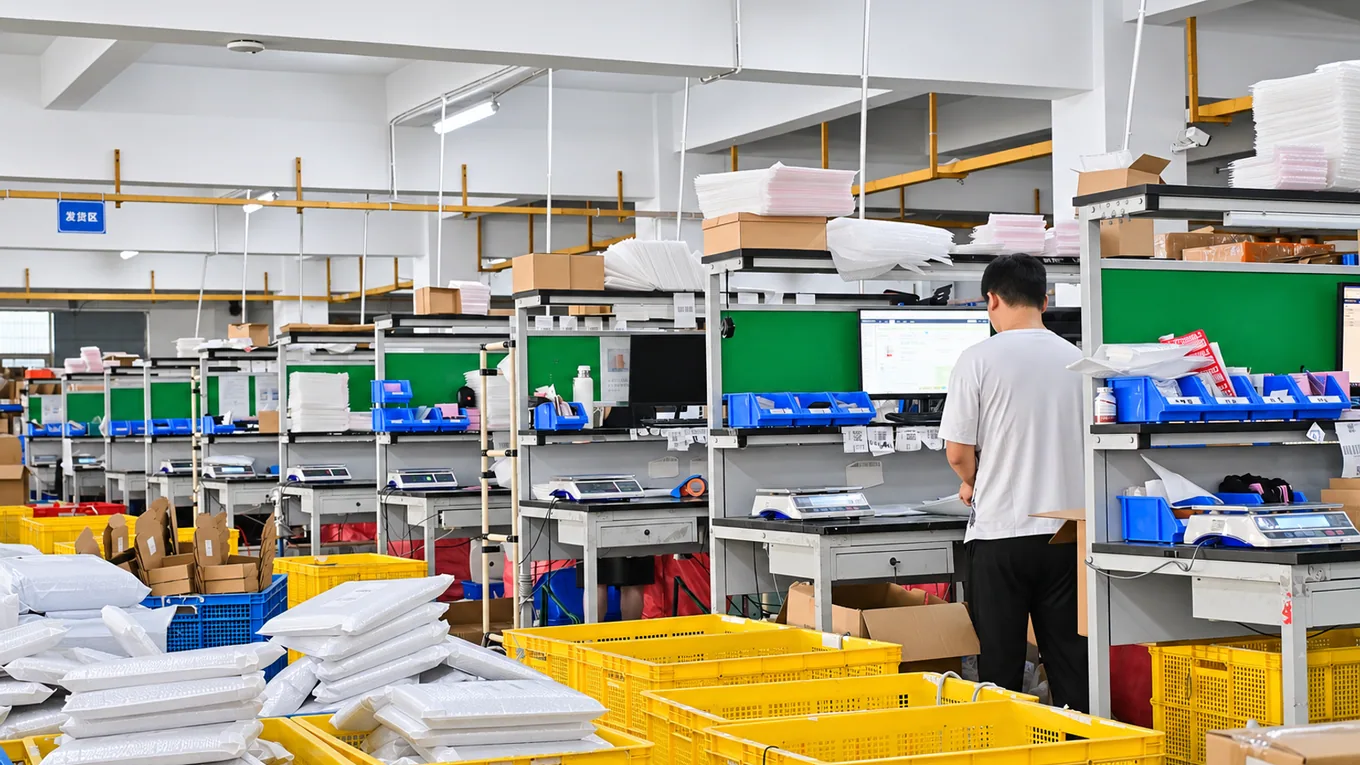
CinovaFulfill warehouse order processing stations

Choose Your Store Platform

Each platform passes order and shipment information differently. Find your store below to see what we’ll review with you before the first live order.

Shopify

Match product variants and bundles to the right warehouse SKUs and fulfillment location. We check which orders can be imported, which products need branded packaging, and how shipment status and tracking return to your store after dispatch.

Discuss Shopify

TikTok Shop

Confirm the shop’s market, dispatch deadlines, and accepted shipping services before connecting. Share your promotion schedule and expected sales spikes so we can plan stock and order handling, then test the tracking updates your shop receives.

Discuss TikTok Shop

eBay

Connect the intended seller account and match listings to your SKUs. We review item location, handling times, and shipping services so orders can be prepared on schedule and available tracking can be returned to the right transaction.

Discuss eBay

Amazon

Confirm the marketplace and identify the listings you fulfill as a merchant. We review SKU matching, parcel labeling, handling times, and carrier information, then test how shipment confirmation and tracking are recorded against each order.

Discuss Amazon

Etsy

Review eligible physical products and check that variations, personalization details, and gift notes reach the packing team where supported. We agree on packaging and processing instructions, then test a representative order so the team knows what to check before dispatch.

Discuss Etsy

WooCommerce

Share your store setup, fulfillment plugins, and order statuses so we can confirm the connection method. We test which paid orders enter fulfillment, how simple and variable products match warehouse stock, and where tracking appears when parcels ship.

Discuss WooCommerce

Connect a Store in Three Steps

We work through the connection with you. One representative order lets us verify the full process before you send regular volume.

  1. STEP 1

    Confirm Your Store Setup

    Share your store URL, sales markets, product range, and any ERP or order-management system you already use. We’ll agree on which stores and orders should enter fulfillment and what access the connection needs.

  2. STEP 2

    Connect the Store and Map Products

    Authorize the chosen store connection. Together we match products, variants, and bundles to warehouse SKUs, choose the stock location, and record the packing and shipping instructions for each order type.

  3. STEP 3

    Verify a Test Order

    Check that order lines and the shipping address arrive correctly, then run the order through picking, packing, and dispatch. Confirm the carrier and tracking appear where expected, and agree on how to handle holds, edits, and failed updates.

What We Confirm for Your Integration

We review these details for each store so your team knows what it can see, what gets sent to the warehouse, and who handles any exceptions.

Order Import

Agree on which orders qualify and which fields we need, including variants, quantities, shipping details, and order status. Define when a changed address, cancellation, or duplicate order needs review.

Tracking and Shipment Status

Verify which carrier details, tracking numbers, and shipment updates can be returned to each platform. Agree on how to handle rejected updates and orders that ship in more than one parcel.

Inventory and Replenishment

Review warehouse stock by SKU, identify how frequently quantities are updated, and agree on how low stock is flagged. Confirm which stores share stock and when to reorder.

Packing and Order Checks

Record the approved materials and inserts, and assign packing instructions by SKU or store. Set the checks for item, variant, quantity, and packaging before handoff to the carrier.

Multiple Connected Stores

Keep each store’s order rules, inventory source, and packing instructions distinct while reviewing eligible orders in one fulfillment workspace.

Order Exceptions and Support

Agree on a point of contact and who can release held orders, approve address changes, or investigate stock shortages. Keep these decisions visible before volume increases.

Let’s Check Your Store Before You Connect

Start with your store link and the platforms you sell on. If you have a sample order, we can use it to review the fields your workflow needs.

Get a Free Quote